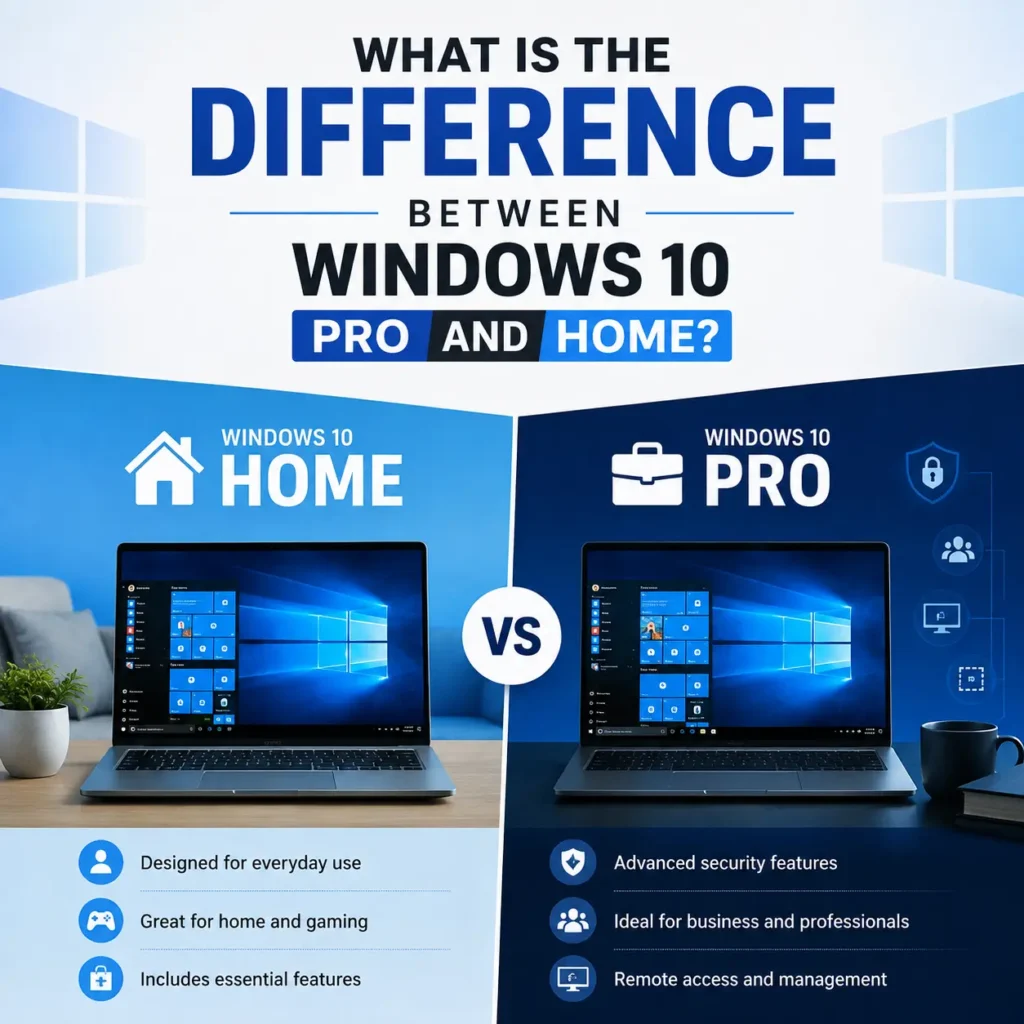
What is the difference between Windows 10 Pro and Home? Choosing between Windows 10 Home and Windows 10 Pro comes down to three main factors: security management, virtual environment support, and hardware limits. While everyday users and gamers get all essential productivity features with Windows 10 Home, power users, businesses, and IT administrators require the advanced management layer built into Windows 10 Pro.
Quick Summary: Windows 10 Home is designed for general everyday use, personal tasks, and gaming. Windows 10 Pro adds enterprise-grade security (BitLocker), remote desktop capabilities, virtual machine support (Hyper-V), and business network controls (Group Policy).
Windows 10 Home vs Pro: Feature Comparison Matrix
Feature
Windows 10 Home
Windows 10 Pro
Primary Benefit
BitLocker Encryption
No (Device encryption only)
Full BitLocker & BitLocker To Go
Secures drive data against physical theft
Maximum Supported RAM
128 GB
2 TB
Supports high-end workstation memory
Remote Desktop
Client only (can initiate)
Host & Client
Allows full remote server/PC access
Hyper-V Visualization
No
Built-in native hypervisor
Runs virtual machines natively
Group Policy Management
No
Yes (gpedit.msc)
Controls system behavior across networks
Windows Sandbox
No
Native isolated desktop env
Safely tests untrusted executable files
Key Differences Between Windows Home and Pro Explained
1. Advanced Security & Data Protection
BitLocker Drive Encryption: Protects sensitive files by encrypting the entire system drive. If your laptop is lost or stolen, unauthorized users cannot extract data even if they remove the physical hard drive.
Windows Information Protection (WIP): Helps prevent accidental enterprise data leaks by separating personal and business data on employee devices.
2. Business Management & Deployment Tools
Domain Join & Group Policy: Enables IT administrators to manage system permissions, security policies, and software updates across hundreds of connected PCs from a central server using gpedit.msc.
Assigned Access 8.1: Allows you to configure a device into a single-app kiosk mode (ideal for retail terminals, public access PCs, or dedicated workstations).
3. Developer & Power User Features
Hyper-V & Windows Sandbox: Hyper-V allows you to run multiple guest operating systems (such as Linux or older Windows versions) on your machine. Sandbox creates a lightweight, isolated desktop environment to run untrusted applications safely.
Remote Desktop Host: While Home edition users can connect remotely to other computers, only Windows 10 Pro can act as a host machine to receive incoming remote connections natively.
Windows Pro vs Home: Which Edition Should You Choose?
Choose Windows 10 Home if you:
Use your PC primarily for gaming, browsing, media streaming, and general office productivity.
Do not need to connect your computer to a corporate domain or managed network.
Want a cost-effective OS for a personal PC build.
Upgrade to Windows 10 Pro if you:
Handle sensitive customer or business data that requires full-disk hardware encryption.
Need to remote into your work computer securely from outside your local network.
Require virtual machines or isolated sandbox environments for software development and testing.
Frequently Asked Questions (FAQ)
What is the difference between home and pro Windows 10 for gaming?
For gaming performance, there is no difference between Windows 10 Home and Pro. Both editions support DirectX 12, 4K resolution, GPU optimizations, and yield identical frame rates (FPS).
Where to Buy Windows 10 Keys
Whether you are building a new custom PC or upgrading your current operating system, purchasing a valid license key is essential to receive official system updates and full security features.
You can buy genuine software license keys directly from official retailers or trusted license providers like buydigkey.com. Choosing a reliable store ensures instant digital delivery, active key validation, and smooth activation for both Windows 10 Home and Windows 10 Pro editions.
Can I upgrade Windows 10 Home to Pro later?
Yes. You can upgrade from Home to Pro at any time through the Microsoft Store or by entering a valid Windows 10 Pro license key in system settings without losing your personal files.
Is Windows 10 Pro faster than Windows 10 Home?
No, both operating systems perform identically in standard daily applications. However, Pro supports higher memory limits (up to 2 TB RAM compared to 128 GB on Home) and multi-CPU configurations.
If you want to explore the complete feature list and official specifications, you can visit Microsoft’s official Windows comparison page. It provides detailed information about the differences between Windows 10 Home and Windows 10 Pro, helping you choose the version that best fits your needs.